


20 May Event AV Checklist: What to Confirm Before Your Conference
A successful conference depends on much more than a good venue and a strong speaker line-up. The audio-visual setup plays a huge role in how professional the event feels, how well the audience engages and how smoothly the day runs. From microphone hire and presentation screens to lighting, staging and live streaming, every technical detail needs to be planned before guests arrive. A small issue with sound, video or connectivity can quickly distract from the message of the event. Whether you are organising a corporate conference, AGM, seminar, awards event or hybrid meeting, this checklist will help you prepare the key AV details in advance.
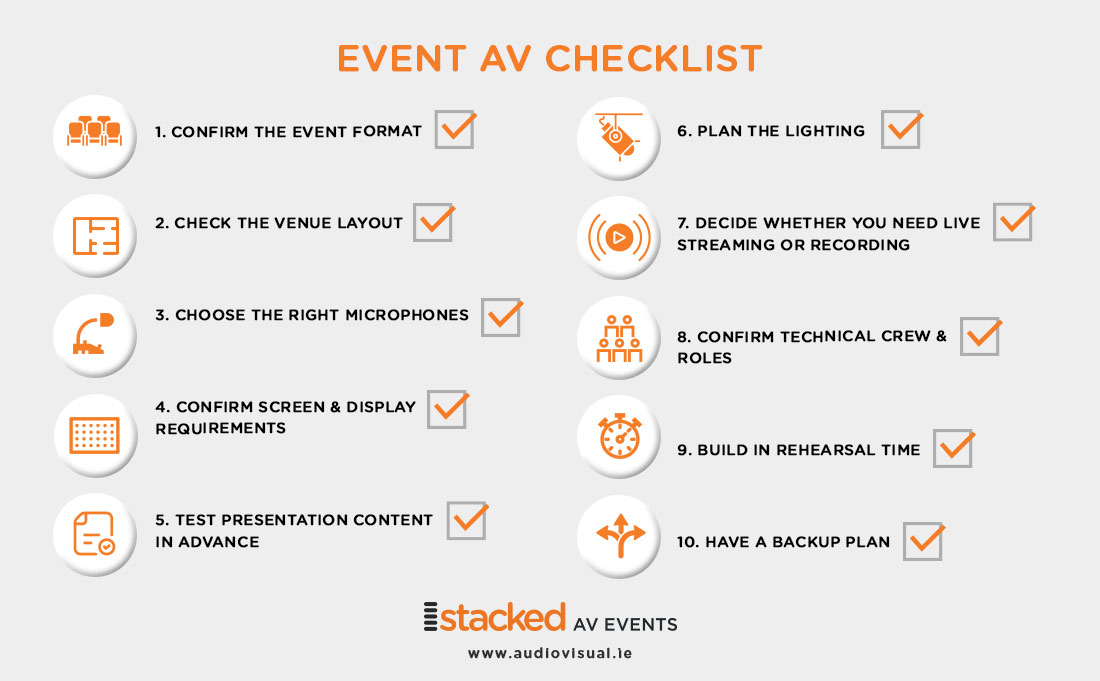
1. Confirm the Event Format
Before choosing any equipment, be clear on the format of the event. A simple presentation for 50 people will need a different setup to a full-day conference with multiple speakers, panel discussions, live streaming and sponsor videos.
Ask the following questions early:
- How many people will attend in person?
- Will there be remote attendees?
- How many speakers or presenters are involved?
- Will there be panel discussions or audience Q&A?
- Will presentations, videos or live camera feeds be shown?
- Does the event need to be recorded?
Once the format is clear, your AV provider can recommend the right combination of sound, video, lighting design and technical crew.
2. Check the Venue Layout
The room layout affects almost every AV decision. Screen size, speaker placement, microphone hire choice and camera positions all depend on the shape and size of the venue. Confirm the seating style, stage location, ceiling height, power access and sightlines. Make sure every attendee will be able to see the screen and hear the presenters clearly. If the venue is large, has unusual architecture or includes multiple areas, a site visit is highly recommended. This allows the AV team to identify potential challenges before the event day.
3. Choose the Right Microphones
Clear sound and sound design is one of the most important parts of any conference. If the audience struggles to hear, the event immediately feels less professional. Different speakers may need different microphones. A keynote presenter may prefer a headset or lapel microphone so they can move freely. A panel discussion may require handheld or table microphones. Audience Q&A may need roaming wireless microphones.
It is also important to confirm how many microphones are needed at one time. This helps avoid delays between speakers and ensures transitions feel smooth.
4. Confirm Screen and Display Requirements
Your screen setup should suit the size of the room and the type of content being shown. A small screen may work in an intimate meeting room, but larger conferences often need large-format displays, projection or LED screens. Think about what the audience needs to see. Slides, videos, sponsor graphics, live camera feeds and remote speakers may all require different display planning.
For larger events, confidence monitors can also be useful. These allow speakers to view slides or notes without turning around to look at the main screen.
5. Test Presentation Content in Advance
Presentation issues are common, but many can be avoided with preparation. Ask speakers to submit their slides and videos in advance where possible. Confirm the file format, screen ratio and whether the presentation includes embedded video, audio or custom fonts. If speakers plan to use their own laptops, check the connection requirements and have adaptors ready.
A technical rehearsal gives the AV team time to test transitions, video playback, audio levels and any unusual presentation requirements.
6. Plan the Event Lighting
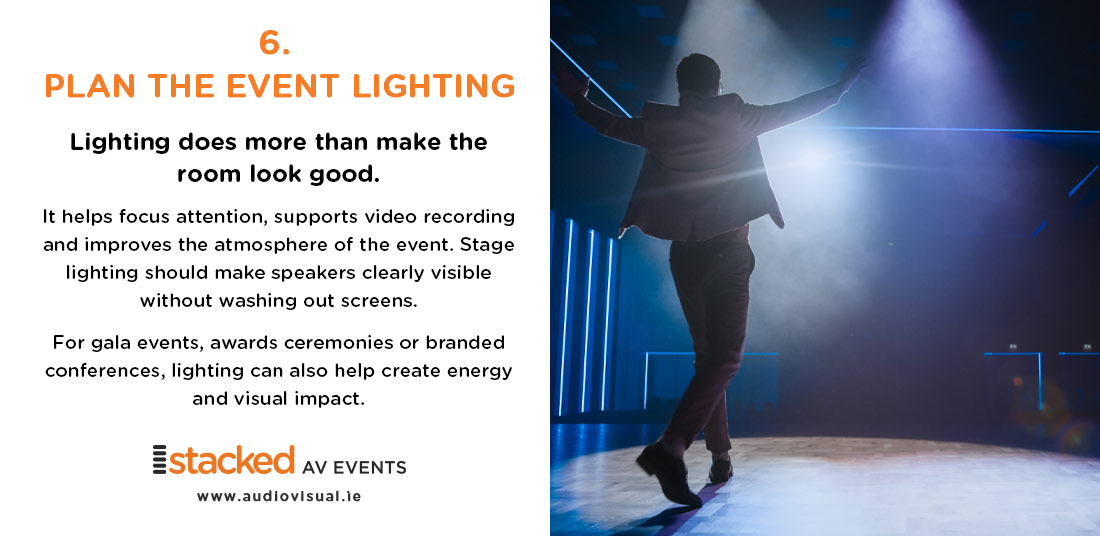
Event lighting does more than make the room look good. It helps focus attention, supports video recording and improves the atmosphere of the event. Stage lighting should make speakers clearly visible without washing out screens. For gala events, awards ceremonies or branded conferences, lighting can also help create energy and visual impact.
If the event is being streamed or recorded, lighting becomes even more important. Cameras need consistent, flattering light to produce a professional image.
7. Decide Whether You Need Live Streaming or Recording
Hybrid and streamed events need additional planning. It is not enough to place a laptop at the back of the room and hope remote attendees can follow along. A proper streaming setup may include cameras, microphones, video switching, graphics, platform management and a dedicated stream technician. Remote attendees should be able to hear clearly, see the speaker and follow any shared presentation content.
If the event is being recorded, confirm whether you need a simple archive recording or a polished video that can be edited and shared later.
8. Confirm Technical Crew and Roles
The larger or more complex the event, the more important it is to have the right technical crew on site. Depending on the event, you may need an audio technician, video technician, lighting technician, camera operator, streaming technician or show caller. Having experienced technicians on site means problems can be solved quickly and discreetly. It also allows speakers and organisers to focus on the event rather than the equipment.
9. Build in Rehearsal Time
Rehearsals are one of the best ways to prevent stress on the day. Even a short run-through can help speakers understand where to stand, how to use microphones and when their slides will appear.
For more formal events, such as awards ceremonies or conferences with multiple sessions, a full technical rehearsal is strongly recommended. This helps the AV team refine cues, transitions and timing.
10. Have a Backup Plan
Good AV planning includes contingency. Spare microphones, backup laptops, additional cables and alternative playback options can all help avoid disruption. An experienced AV team will think through the possible pressure points before the event begins. This preparation is often invisible to guests, but it is one of the reasons a professional event feels seamless.
Event AV Checklist – Final Thoughts
Conference AV should support the message, not distract from it. When sound, screens, lighting and technical support are planned properly, the event feels polished and professional from start to finish. By confirming the format, venue layout, microphone requirements, display setup, content, streaming needs and crew roles in advance, you give your event the best chance of running smoothly.
We provide event production and AV rental support for conferences, AGMs, gala events, hybrid events and live productions across Ireland. If you are planning an event, our team can help you choose the right equipment and technical support for the day.
No Comments